Every course ready in Moodle from day one

Classeo connects your student information system to Moodle. Create every course automatically, or give each teacher a dashboard to choose how their courses are launched, merged and copied, in one click. Enrollments stay in sync all term without an IT ticket.

  • Course creation
  • Enrollment sync
  • Merged sections
  • End-of-term archive
Book a Demo
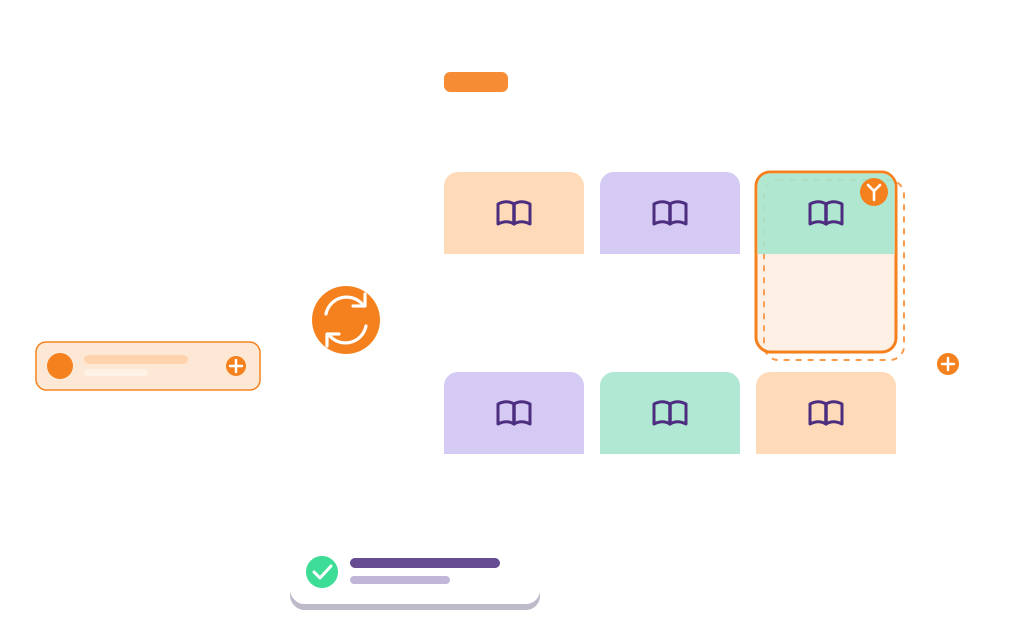
Classeo syncing the student information system with Moodle: courses, enrollments and merged sections created automatically

What is Classeo?

Classeo prepares your courses in Moodle. It takes your class lists from your student information system, so teachers and students find their courses ready, and keeps them up to date all term.

Your choice

Two ways to use Classeo

Automate every course, or leave the pedagogical choices to each teacher. Either way, your institution sets the rules.

Automatic

Classeo creates every course

Every course in the SIS becomes a Moodle course, with its students and its teachers. Teachers find their courses ready on the first day.


Teacher's choice

Each teacher launches their courses their way

From a dashboard of all their courses, teachers launch each one when they are ready, choose whether to merge its sections and what to copy from a past course. Then one click.

Your institution

You set the rules

Choose the mode that applies, how courses are named and organized, who can launch a course, and what happens at the end of term.

They trust us

Colleges that run their Moodle courses with Classeo.

Classeo course launch options for a teacher inside Moodle

For teachers

Teachers launch their own courses

In teacher-led mode, each teacher sees all their courses on one dashboard and launches, merges and copies them in one click, without an IT ticket.

  • Launch a course in one clickOnce the section is in the SIS, the teacher clicks Launch and the Moodle course is ready, with its students.
  • Merge sectionsCombine the sections of the same course into one Moodle course, with a group per section: one place to teach, grades kept by section.
  • Reuse last term's courseCopy the activities, resources and settings of a past course into the new one. Students from the past term are never copied.
  • Add exceptions easilyAuditors, late adds or a teacher from another institution get the access they need, without IT.
Moodle course management

For super-users

One console for your super-users

Configure courses, users and permissions across the institution from a single interface, inside Moodle.

  • A single interfaceSet course defaults, naming rules and categories in one place, term after term.
  • Simpler administrationUser accounts and roles come from the SIS, with no scripts or database queries.
  • Permissions without scriptsRole and permission changes apply everywhere, with no manual work course by course.
  • No server access neededConfigure and monitor the sync from the Moodle admin area.
Classeo super-user console listing every course
AI-powered error monitoring illustration

AI-powered error monitoring

Sync problems caught before teachers notice

  • Errors detected instantlyEvery sync is checked, so courses keep running.
  • AI-driven alertsYour team learns what failed and why, and fixes it fast.
  • Nothing lost if Moodle is downPending changes wait in line and go through as soon as Moodle is back.
  • Fewer disruptionsFor teachers and students, from the first day of term.
Book a Demo

Effortless user management

Accounts and class lists that stay up to date

  • Automatic account creationFrom your SIS/ERP, with no manual entry.
  • Enrollments that follow the SISAdds, drops and section changes reach Moodle within 15 minutes during the add/drop period, then every hour.
  • Teachers assigned from the SISTeacher and teaching assistant roles come from the SIS, not from manual edits in Moodle.
  • A clean end of termCourses are archived when the term closes, so the next term starts without clutter.
Moodle SIS integration
Enrollment sync between the SIS/ERP and Moodle

How it works

From your SIS to Moodle in three steps

We do the integration work with your IT team. After that, every term starts on its own.

01

Connect your SIS

We connect your SIS/ERP to Classeo and your Moodle site, whether it runs on one of the major SIS and ERP platforms or is a custom, in-house system.

02

Set your rules

Choose how courses are created, which sections are merged, who can launch a course, and what happens at the end of term.

03

Let it run

Courses, enrollments and merged sections stay in sync all term. Our team trains your staff and supports you at every step.

Who we are

Built in Montréal by LS2 Innovation

Classeo is built by LS2 Innovation, a software publisher whose solutions are used by more than 50 colleges and universities. We have spent years connecting student information systems to Moodle and Microsoft 365, from major platforms to systems built in-house, and we stay with your team from the first connection to every new term.

About us

See your next term start in Moodle

In a 30-minute demo, we show it live on Moodle, set up for your SIS: courses created from the SIS, a teacher merging sections, a late enrollment syncing on its own, and the end-of-term archive. No slides.

Book a Demo
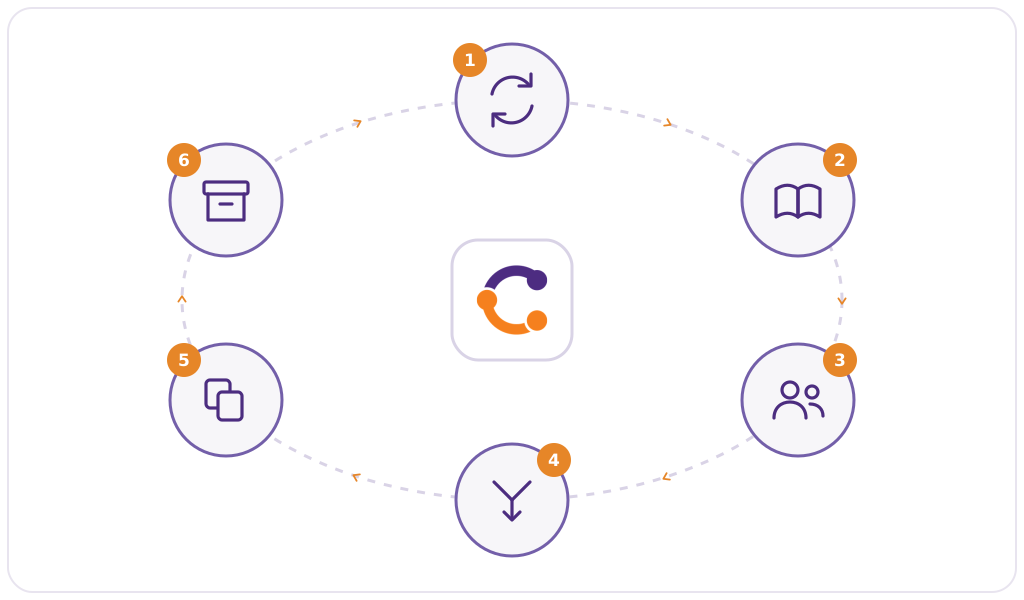
The Classeo term cycle: sync from the student information system, Moodle courses created, enrollments synced, sections merged, last term's course copied, end-of-term archive